How-To Guide
Competitor Ad Analysis: Read the Ads, Not the Spend
Competitor ad analysis: read a rival’s live ads for hook, offer and run length. See which signals you can check and what no library tells you about spend.
How do you run a competitor ad analysis without guessing spend?
Collect the ads a rival runs and log each hook, offer, format and run length. Run length is the signal you can verify: an ad still showing after weeks is one the advertiser kept paying for. Spend is not public, so record it as unknown.
- Read creative durability and offer structure, not a spend estimate you cannot check.
- Compare variants of one offer to see which hook the advertiser kept.
- Write one original brief from the pattern, then test it on your own account.
Read the ad, then record what you can verify
Competitor ad analysis is a reading exercise with a narrow evidence base. You can see the creative, the offer, the destination and whether the ad is active. You cannot see the budget, the targeting or the sales. So log each ad as a card, return weekly to see which cards survive, and compare the variants an advertiser kept against the ones it dropped. If an ad has run for weeks, the advertiser kept paying to keep it live. Run length is the closest thing to a public signal that the creative works.
| Signal | Where you see it | What it means | Caveat |
|---|---|---|---|
| Ad still active | Public ad library, brand feed | Advertiser has not switched it off | Does not prove profit |
| Several variants of one offer | Ad library, grouped by page | An active creative test | You cannot see which won |
| Long run length | Your own weekly notes | Ad kept receiving budget | Start date may be unshown |
| Offer structure | Ad copy and landing page | What the brand leads with | May differ by audience |
| Placement footprint | Where the ad appears | Which surface the brand funds | Your feed is not a census |
Keep three columns apart: observed, computed and unknown. “Active on 21 November” is observed. “Live at least 18 days” is computed. Budget stays unknown, and that keeps the review from becoming a story about a media plan you cannot support.
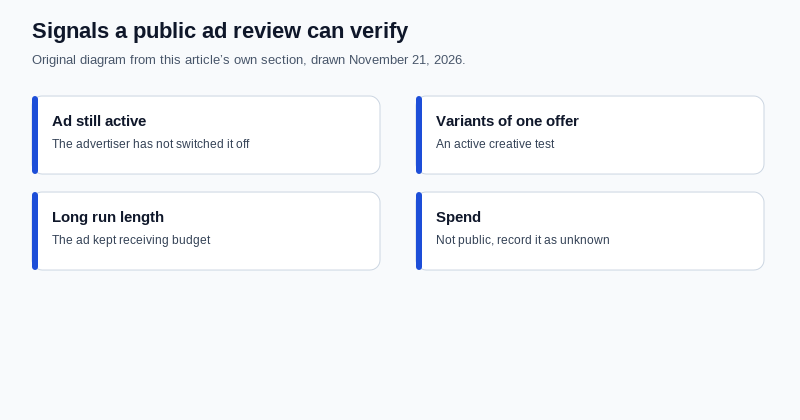
Original diagram from this article’s own direct-answer section, drawn November 21, 2026.
 Superdirector
Have your AI do this for your brand.
7 days free, then $29 a month.
Separate the creative read from the spend question
The tools that sell ad research split the same way. Rival IQ’s pricing page lists Engage at 20 companies, two users, 12 months of history and five Facebook Ads accounts for $349 a month, and Engage Pro at 40 companies, five users, 24 months of history and estimated impressions for $559. Sprout Social’s pricing puts Professional at $299 per seat a month on annual billing with extensive competitor and paid insights. Later’s pricing lists Scale at $82.50 a month billed yearly with Meta Ads Analytics. Hootsuite’s plans benchmark five competitors, with 20 on Professional and Advanced. All were read on November 22, 2026.
| Plan | Companies or competitors | Ad surface it lists | Price |
|---|---|---|---|
| Rival IQ Engage | 20 companies, 2 users | 5 Facebook Ads accounts | $349/mo |
| Rival IQ Engage Pro | 40 companies, 5 users | Estimated impressions, API add-on | $559/mo |
| Sprout Professional | Unlimited profiles, per seat | Extensive competitor and paid insights | $299/seat/mo annual |
| Later Scale | 48 profiles | Meta Ads Analytics | $82.50/mo yearly |
| Hootsuite Standard | 5 competitors | Competitive benchmarking, social ads analytics | $99/seat/mo billed annually |
None of these rows contains a rival’s spend. The ad surface is a convenience layer over public data, not a budget feed. A paid plan answers how many accounts you can watch, for how long and in what export. For the creative read alone, a public library and a weekly log do the job.
Compare plans on the same three counts before price. First, the unit: a company, a seat and a profile are not interchangeable, so write the number of each you need. Second, the surface: confirm that the ad view you want sits on the tier you are pricing, because several vendors put paid insights or estimated impressions one step up. Third, the export: if the read leaves your account, check the file formats and whether a client can receive them. A plan that wins on price but loses on unit or export costs more in the end.
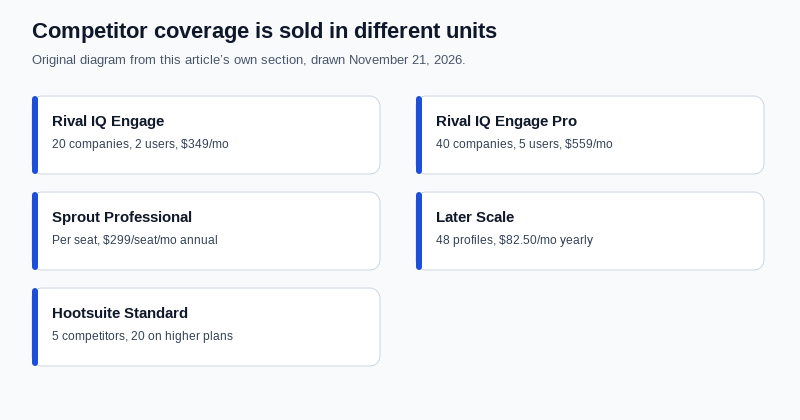
Original diagram from this article’s own signals section, drawn November 21, 2026.
Three original points from this guide
- Two cited plans put ad analytics below $100: Later’s Scale, at $82.50 a month billed yearly, lists Meta Ads Analytics; Hootsuite’s Standard, at $99 per user a month billed annually, includes social ads analytics and reporting. Rival IQ puts Facebook Ads reporting on Engage at $349 and Sprout puts paid insights on Professional at $299 per seat. The first two report on your own ads. Rival IQ’s five Facebook Ads accounts on Engage are own-account reporting too. Its rival-ad surfaces are separate from those ad accounts: Facebook Boosted Post Detection predicts whether a competitor promoted a post, and estimated impressions sit on Engage Pro at $559. Sprout’s paid insights cover competitor, tag and paid performance, not a rival’s ad library. A public ad library is the route to a competitor’s actual ads.
- Competitor coverage is sold in incompatible units. Rival IQ and Hootsuite count companies or competitors: 10 tracked companies on Rival IQ’s Drive entry plan and five on Hootsuite’s Standard, rising to 20 on Rival IQ’s Engage and Hootsuite’s Professional, while Sprout counts seats, with unlimited profiles on Professional. Price the unit you consume before comparing headline numbers.
- Only one cited page mentions estimated impressions, and it gates them to the top tier: Rival IQ lists them only on Engage Pro at $559. Run length stays the durable public signal; treat any dollar figure attributed to a competitor’s ad as an estimate you cannot verify.
The weekly log is the asset, not the dashboard: a spreadsheet you own keeps observation dates a lapsed subscription would take away.
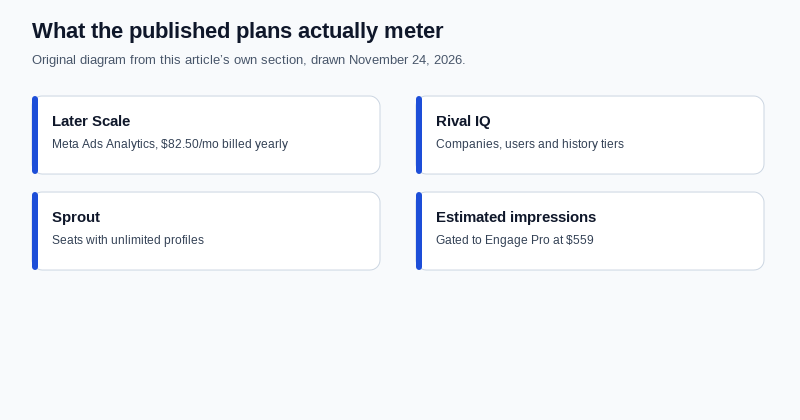
Original diagram from this article’s own original-points section, drawn November 24, 2026.
Group variants, then read the test
Advertisers rarely run one ad per offer. They run several versions and let the weaker ones go. Reconstruct that test from the outside with one row per variant and one column per element, so a changed opening line is visible instead of buried in prose.
| Element | Variant A | Variant B | What changed |
|---|---|---|---|
| Opening line | Question about the problem | Number-led claim | Hook type |
| First frame | Product close-up | Person on camera | Presenter versus product |
| Proof | Customer quote | Before-and-after | Social proof style |
| Offer | Free trial | Discount | Risk reversal |
Note the date when one variant disappears and another keeps running. Do not conclude the survivor caused the result; the advertiser may have paused the other for a reason you cannot see.
Time-box the review to one sitting. Open the library, filter to the rival’s page, and copy the active ads into the log before reading any of them closely. Then read in a fixed order: hook, offer, format, destination. Reading in the same order each week is what makes the notes comparable, and it stops a striking creative from setting the agenda. Twenty minutes is enough for three rivals once the fields are fixed; an hour is a sign the log is collecting more than the next decision needs.
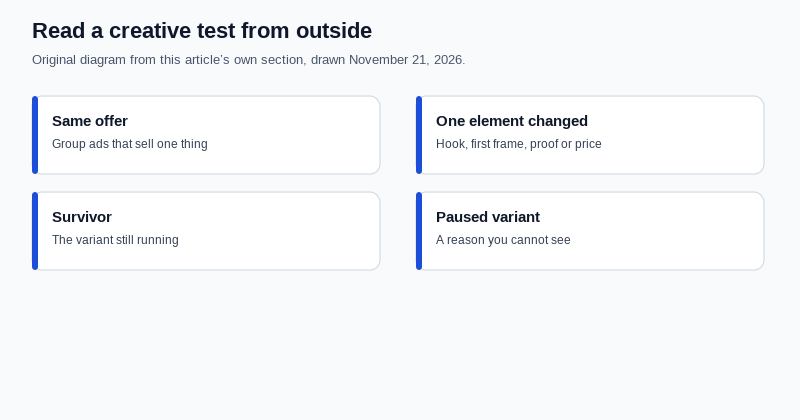
Original diagram from this article’s own variants section, drawn November 21, 2026.
A worked ad log you can copy
The log below is hypothetical and shows the record’s shape, not a real advertiser’s results.
| Field | What to write | Example |
|---|---|---|
| Hook | First line or first frame | “Three mistakes in your morning routine” |
| Offer | What the ad asks for | 20% off first order |
| Format | Medium and length | Vertical video, 22 seconds |
| First seen | Date you logged it | 2026-10-20 |
| Spend | Unknown unless stated | unknown |
Brand: example competitor
First seen: 2026-10-20 | Last seen active: 2026-11-07 | Days observed: 18
Hook: "Three mistakes in your morning routine"
Offer: 20% off first order | Format: vertical video, 22 seconds
Destination: discount landing page | Variants seen: 4
Spend: unknown
Note: longest-running hook uses a numbered mistake list
Eighteen full days is a floor, because the ad may have started before you saw it. Record the floor, not a guessed launch date. After four weeks you have the hooks that survived and the variants that vanished, which feeds your own brief in your brand’s words. Adapt the structure and leave the wording behind, as in how to reverse-engineer a viral post.
After four weeks, sort the log into three piles: hooks that ran for the whole window, variants that disappeared, and ads you cannot classify. The first pile is your reading list, the second is the test the advertiser already ran, and the third is usually a sign that the field definitions need tightening. Write one sentence per surviving hook that says what job it does, such as naming a mistake, showing a result or removing a risk. That sentence, not the ad itself, is what you can reuse in an original brief for your own product.
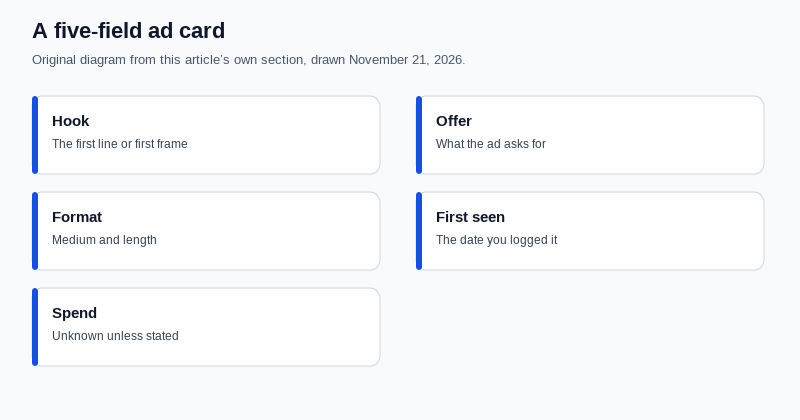
Original diagram from this article’s own worked-example section, drawn November 21, 2026.
Where Superdirector fits
Superdirector is our product. Point it at a brand and it writes video scripts and storyboards from what it finds. On both plans, a saved script can start a finished AI video. It does not expose a rival’s ad spend; it organises the observations you log into original work for you to check (pricing).
For the plans above side by side, see Sprout Social vs Hootsuite vs Later and the influencer marketing platforms roundup.
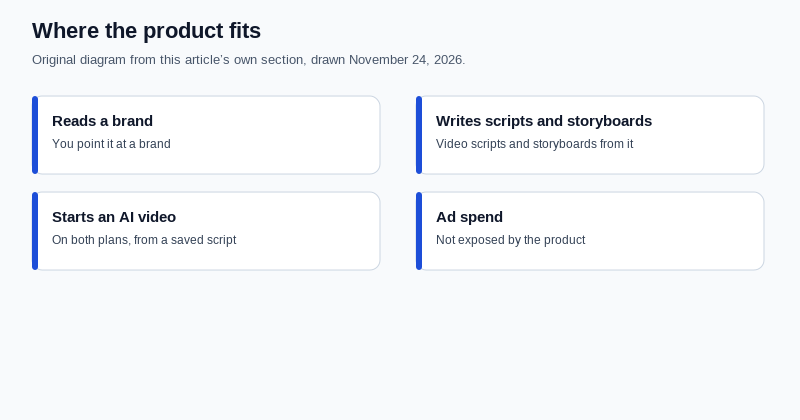
Original diagram from this article’s own superdirector section, drawn November 24, 2026.
Frequently asked questions
Is competitor ad spend public?
What can I actually see in a public ad library?
How do I tell which creative a rival is testing?
Are there free ways to do competitor ad analysis?
How often should I recheck a rival’s ads?
What should I not conclude from a rival’s ads?
SuperdirectorHave your AI do this for your brand.
7 days free, then $29 a month.