Category Guide
Organic Growth Software for Founder-Led Brands
Organic growth software for founders, sellers, and lean teams: campaign ideas, creator briefs, hooks, scripts, and shot plans in one place.
Organic growth planning helps a lean team decide what to test before spending on production, ads or creator partnerships. Bring your brand context, campaign goal and selected references into setup, then review the available analysis and content work before preparing the brief with your team.
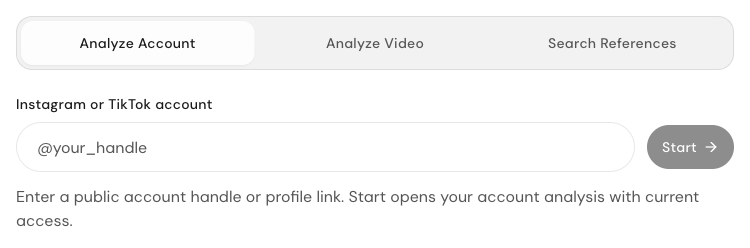
Superdirector. Superdirector reference intake screenshot with account, video and reference-search tabs.
What organic growth software should solve
The first bottleneck is usually not publishing. It is choosing a believable campaign angle, finding proof the audience cares about, and turning that decision into something specific enough to film or hand to a creator.
For founder-led brands, Shopify stores, Amazon sellers, and personal brands, that decision has budget attached. A weak idea can waste samples, creator fees, filming time, and audience trust even when the post is technically organic.
Where Superdirector fits in the stack
Use Canvas to keep account context, selected references and the available analysis or script work together. Review those inputs when deciding the next campaign; approvals, filming and delivery remain explicit team responsibilities.
That narrower position is the point. The product helps the team choose the next organic campaign and brief it clearly before committing time or budget.
Who this is for
Social media managers remain an important audience, but the broader user is the person accountable for growth decisions. That can be a founder, seller, fractional marketer, personal-brand owner, or lean team lead choosing between paid ads, organic social, UGC, SEO-supporting content, and micro-influencer tests.
The best organic growth software should therefore make campaign reasoning visible. It should show why the idea fits the niche, what proof to show, what hook to test, and what the filming or creator brief should include.
Example: how a founder-led campaign gets planned
Planning example: a Shopify seller compares buyer questions with a few reference videos before increasing the ad budget. The team considers a founder explainer and a product-in-use creator clip, then requests research or script work for the chosen direction and reviews the brief before production.
The test becomes concrete: the team compares the organic plan against the next ad increment and commits budget to whichever has the stronger evidence behind it, rather than defaulting to the spend.